How to create captivating content using a macro lens?
In this blog, the Beauty Hunter content team will explain how to correctly use a macro lens for photos of your work and for creating product macro photos for your Instagram feed.
Hello, our favorite beauty hunter! The Beauty Hunter content team is here, and today you will learn how to create that very same captivating content.
Surely you have all seen beautiful photos of eyelashes or eyebrows where every single hair and lash is visible in extreme close-up, as if the camera is "diving" into them.
How can you take such photos without using expensive professional cameras?
Everything brilliant is simple, and here is the recipe:
- Your smartphone
- A clip-on macro lens for your phone.
The essence of a macro lens is this: using a special lens diopter, it zooms in on the shot as much as possible without losing image quality. And here is the kind of magic such a lens can perform:
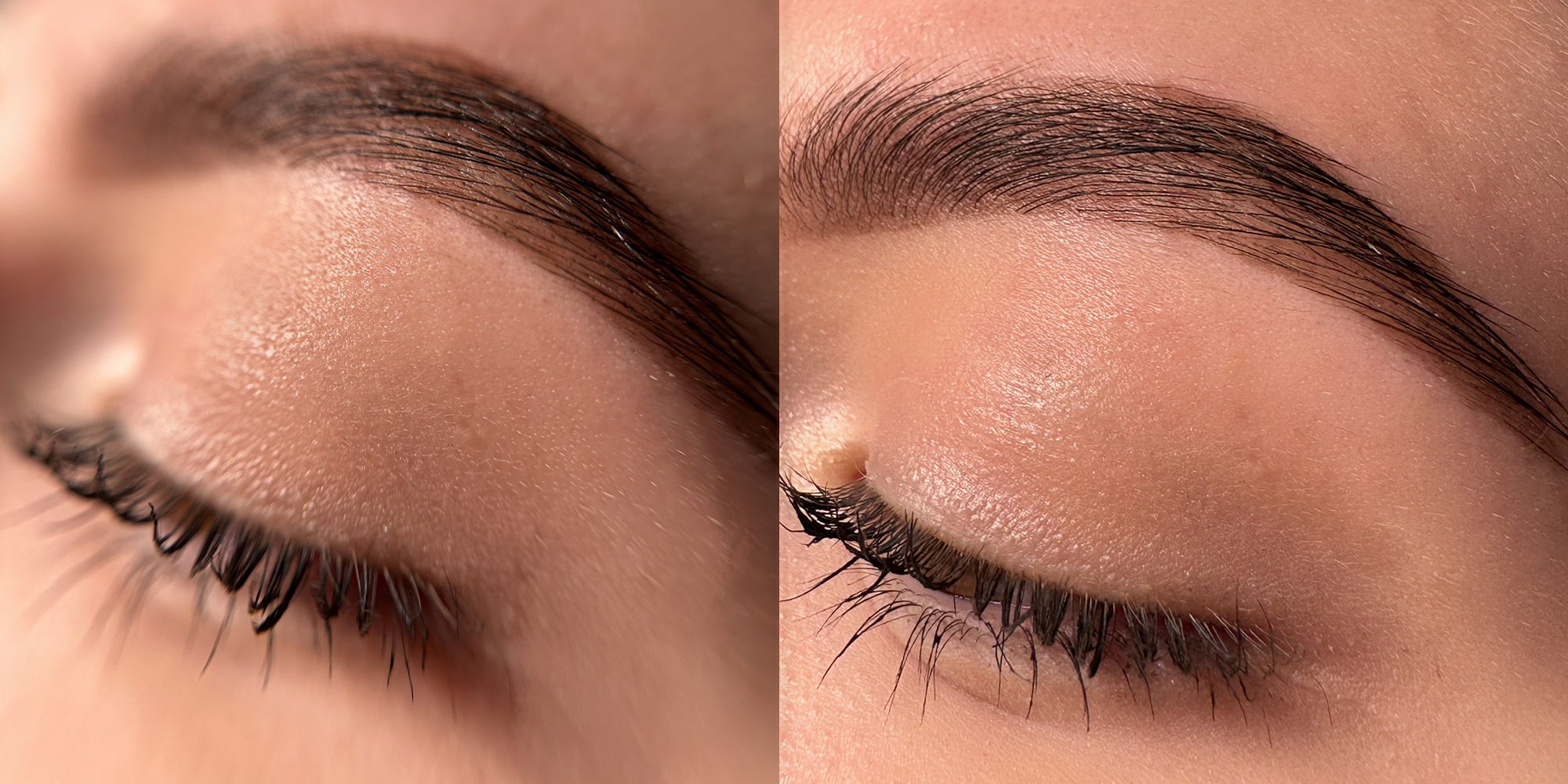
(left — photo taken with a macro lens; right — photo taken without a macro lens)
You have to admit, the first photo taken with the lens looks much more impressive than the one without it.
How to use a macro lens correctly?
A phone lens kit usually comes with two lenses: macro and wide-angle. We need the bottom lens, so unscrew the top (wide-angle) one and we can get started!
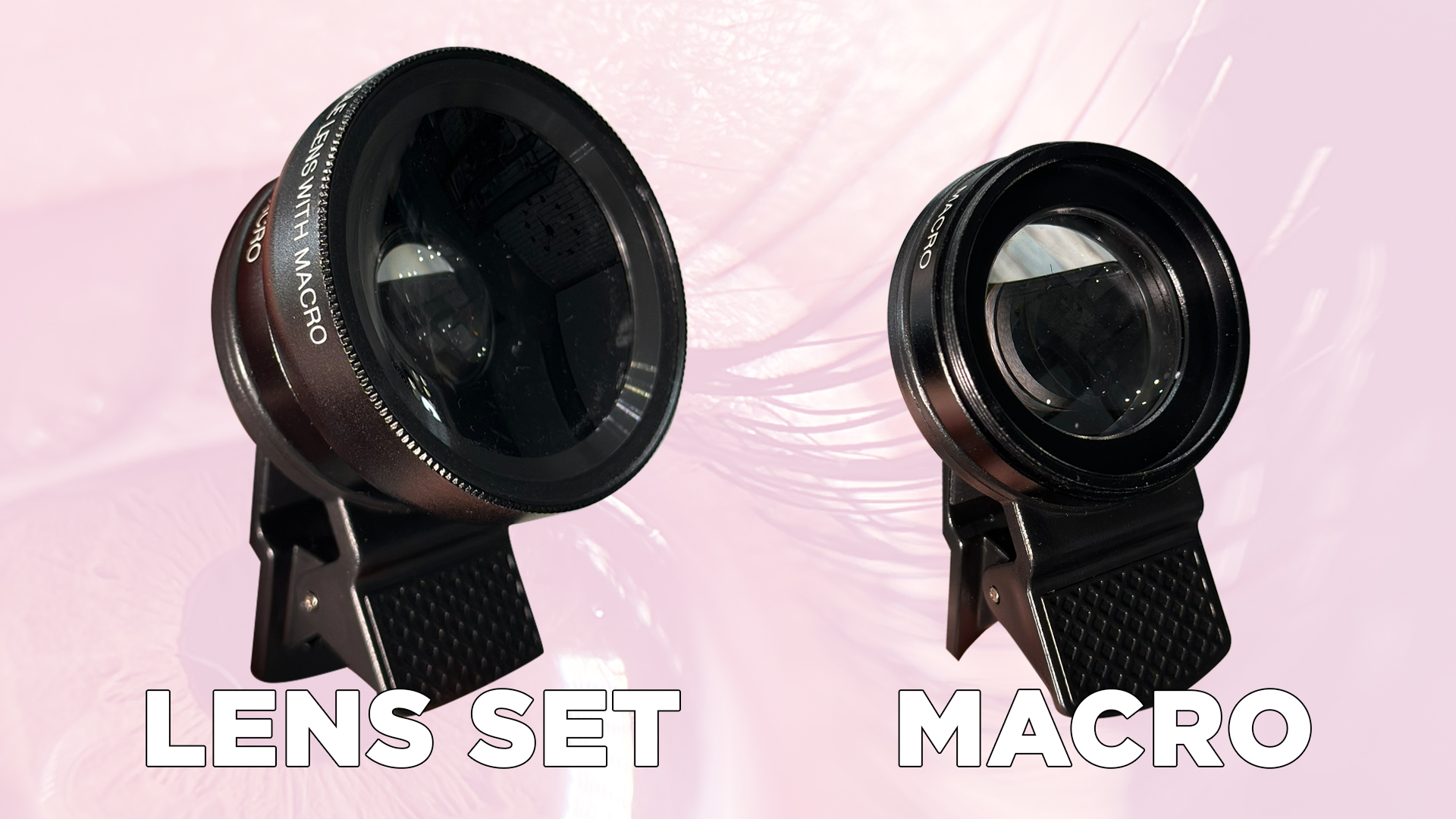
Don't forget to wipe the camera lens before attaching the lens to your phone.
- Attach the macro lens to the main camera of your phone (if you have several, you can find the main one by trying to put the lens on different cameras; while doing this, try bringing it close to an object to see if there is a "macro" effect). In your camera app, disable the built-in macro mode so that the image quality doesn't degrade.

- Open the camera app on your phone, bring the camera as close as possible to the object, and find the right angle.
- Lock the focus on the desired object in the camera app and zoom in slightly; this will prevent distortion and make the shot look more harmonious.
- Done! Now you can press the photo button or start recording video!
Macro lens for product photography
Try using not only photos of your work in your content but also details of your workspace. Diversify your feed with similar content: take macro shots of your usual working materials, or create videos or photos. Such shots can be used as backgrounds for stories or for Reels, where you can talk about the features of the products you use — this way, you also demonstrate your expertise to your audience. The use of such content is limited only by your imagination and creativity, which means the possibilities are endless.
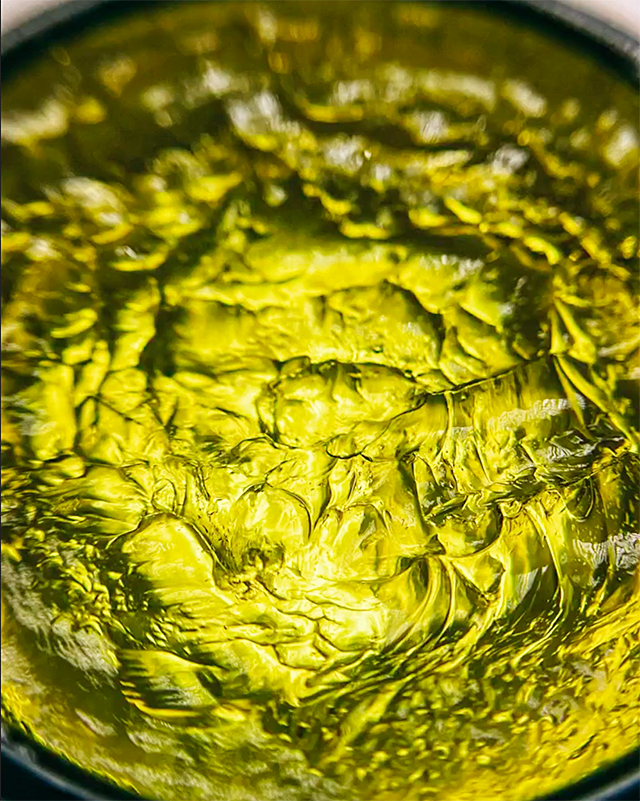
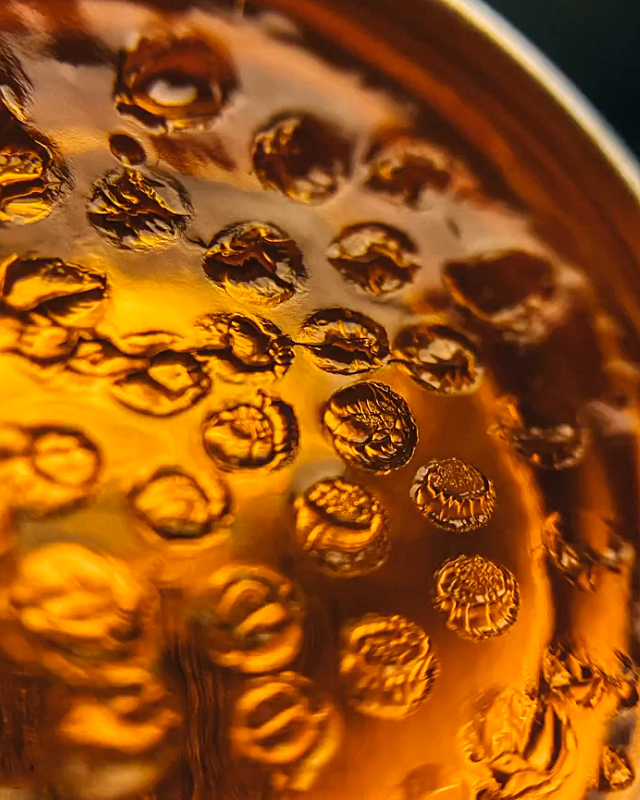
By the way, just recently we held a macro challenge on our Instagram account, where beauty hunters filmed products in macro and shared their favorite textures. You can see the results in this Instagram post.
Follow the link, tell us which video or photo you liked the most, and save the ideas to try them yourself!
Using these same macro photos, you can receive a gift and create a Collab post with Beauty Hunter!
We have improved our Instagram tradition, and now, in addition to a gift, you have the opportunity to make a joint publication with Beauty Hunter:
- Post a creative or useful video featuring materials from our store in Reels.
- Send a collaboration request to the account @beautyhunter.com.ua
- We will add the most creative and useful videos to our page by confirming the collaboration.
- Every Friday in our stories, we will choose the best tag together!