In this blog, Beauty Hunter SMM specialist Lika Sinyaeva shares the most useful apps for beauty professionals. From designing stories and feeds to photo retouching and video editing, find out more in the blog "TOP Apps for the Beauty Professional."
Hi everyone! Lika here, SMM specialist at Beauty Hunter. I want to share some useful information to help you create an awesome look for your Instagram stories and feed—today, I’ll be talking about the TOP apps for photo editing and their capabilities.
Apps for Designing Instagram Stories
Instagram stories allow you to stay in constant contact with your audience and boost your account's reach. Naturally, how you design your stories directly impacts follower engagement. Here are the apps you can use to create interesting, unique, and, most importantly, engaging stories:
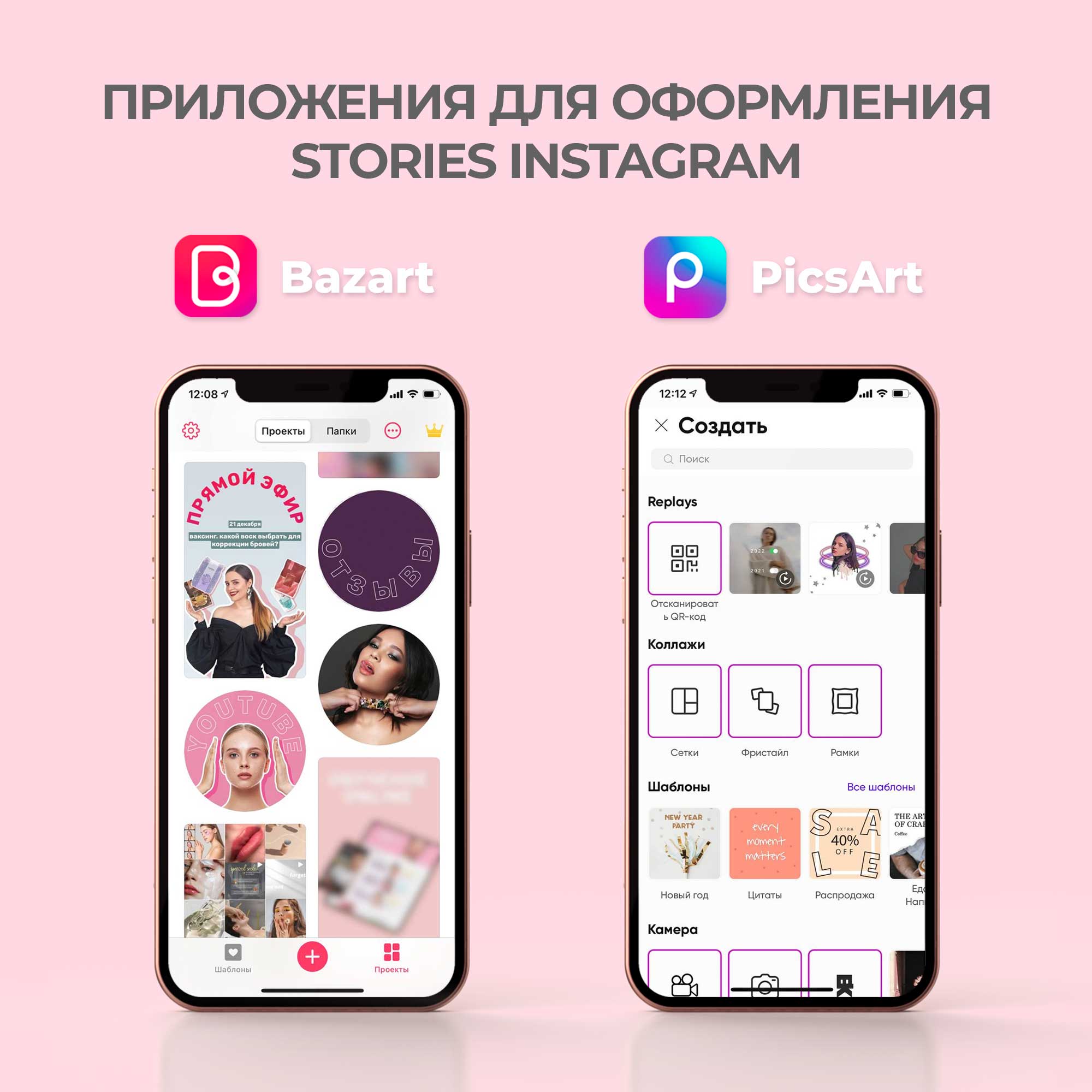
Bazaart — the most convenient app for frame-by-frame animation. Here, you can also remove backgrounds, add shadows, adjust blur, color, and image transparency, add stickers, create animations, and much more.
PicsArt — a multifunctional app with features for cropping, resizing, cutting objects by shape or contour, dispersion, and double exposure. You can also edit your photos using features like liquefy, eraser, filters, retouching, and various tools.
Where to Get Custom Fonts for Instagram Stories?
One recent trend is using custom fonts in the feed. They can help highlight key information, convey your brand identity, or simply become a stylish part of your feed and story design.
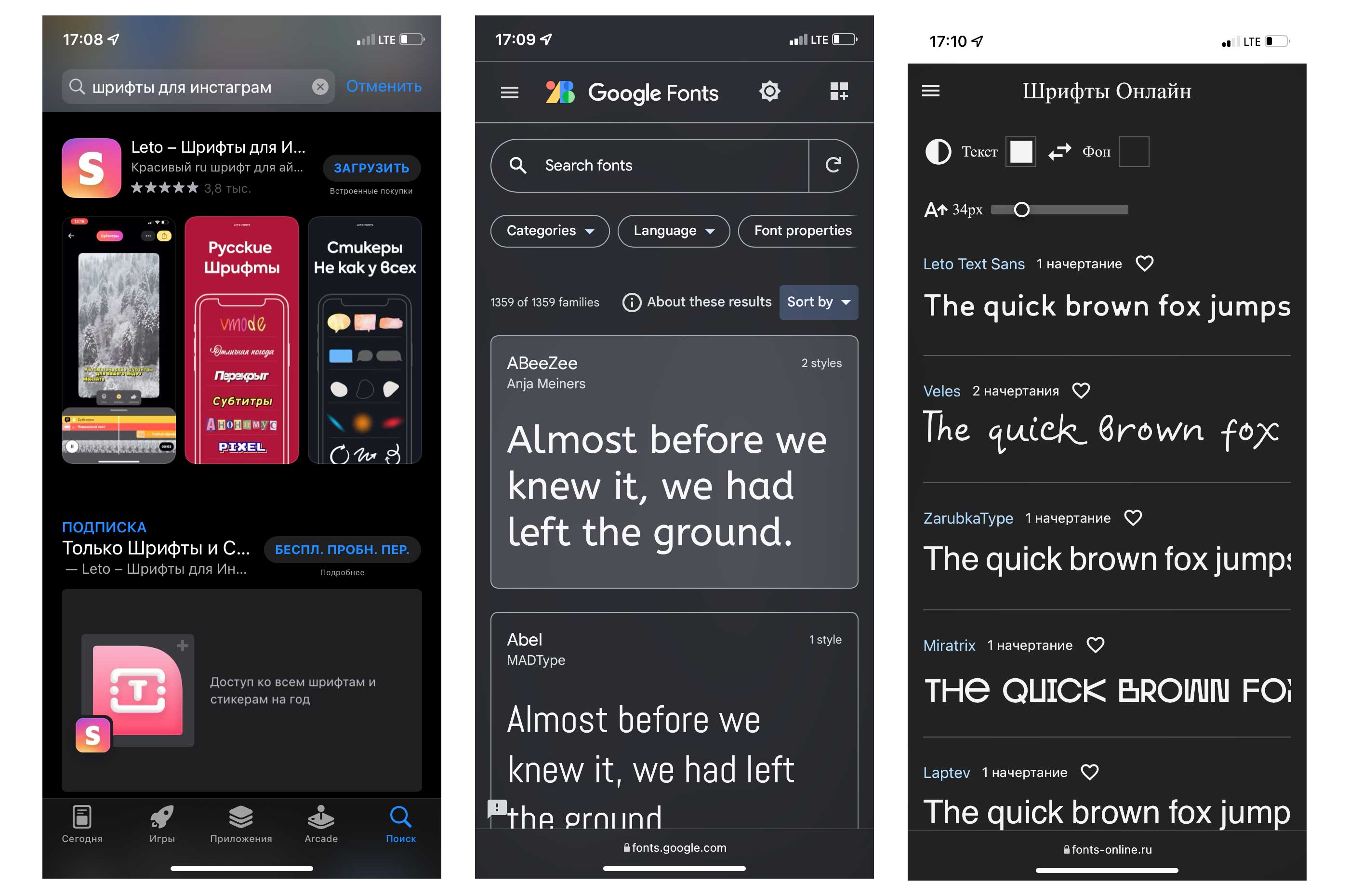
You can find suitable fonts in the "Fonts" app or its equivalents. This app offers a huge variety of fonts, including 3D and calligraphy, as well as stickers to complement and diversify your stories. The app allows you to add text shadows, change colors, and adjust transparency and size.
Another option for those who want to feel like a bit of a hacker is to download fonts from specialized sites like Google Fonts or Fonts Online and upload them into story editor apps like Over or PicsArt following the relevant instructions.
Video Editing Apps
Video is a great tool for keeping people "glued" to your account. Often, videos need extra editing, and these apps can help:
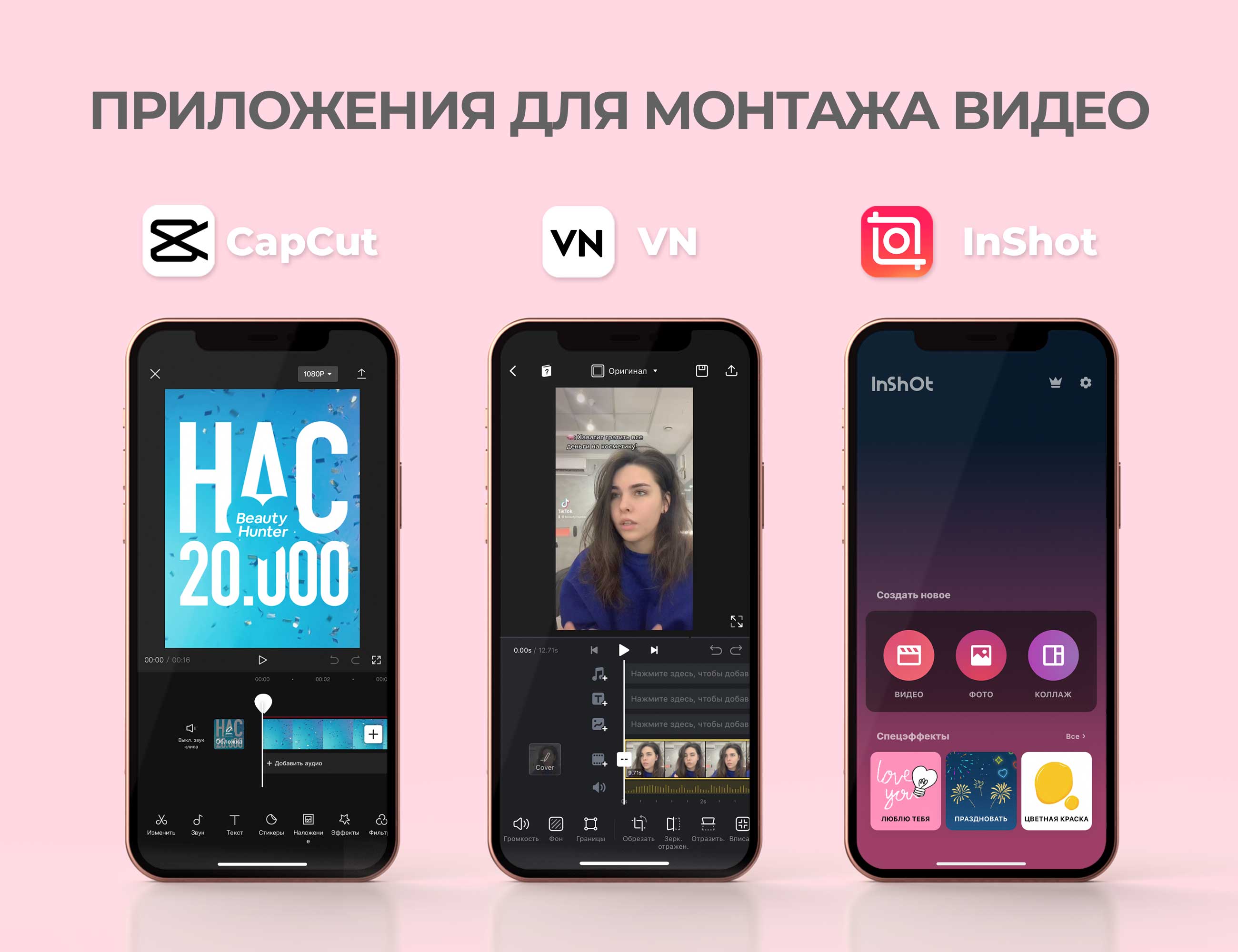
CapCut — A very cool app used to edit most of the videos you see in @beauty... stories.
Features: add text, trim video and audio, add static or animated stickers, use music from TikTok or the app’s library, extract audio from videos, add effects and filters, change video formats, and use linear masks.
VN. An app featuring a large number of templates for quick video editing, filters, speed adjustment, audio and text addition, and cool effects and transitions.
InShot. An app with similar functionality to the ones above. I mostly use it to blur videos, add stickers, sounds, and text.
App for Photo Retouching
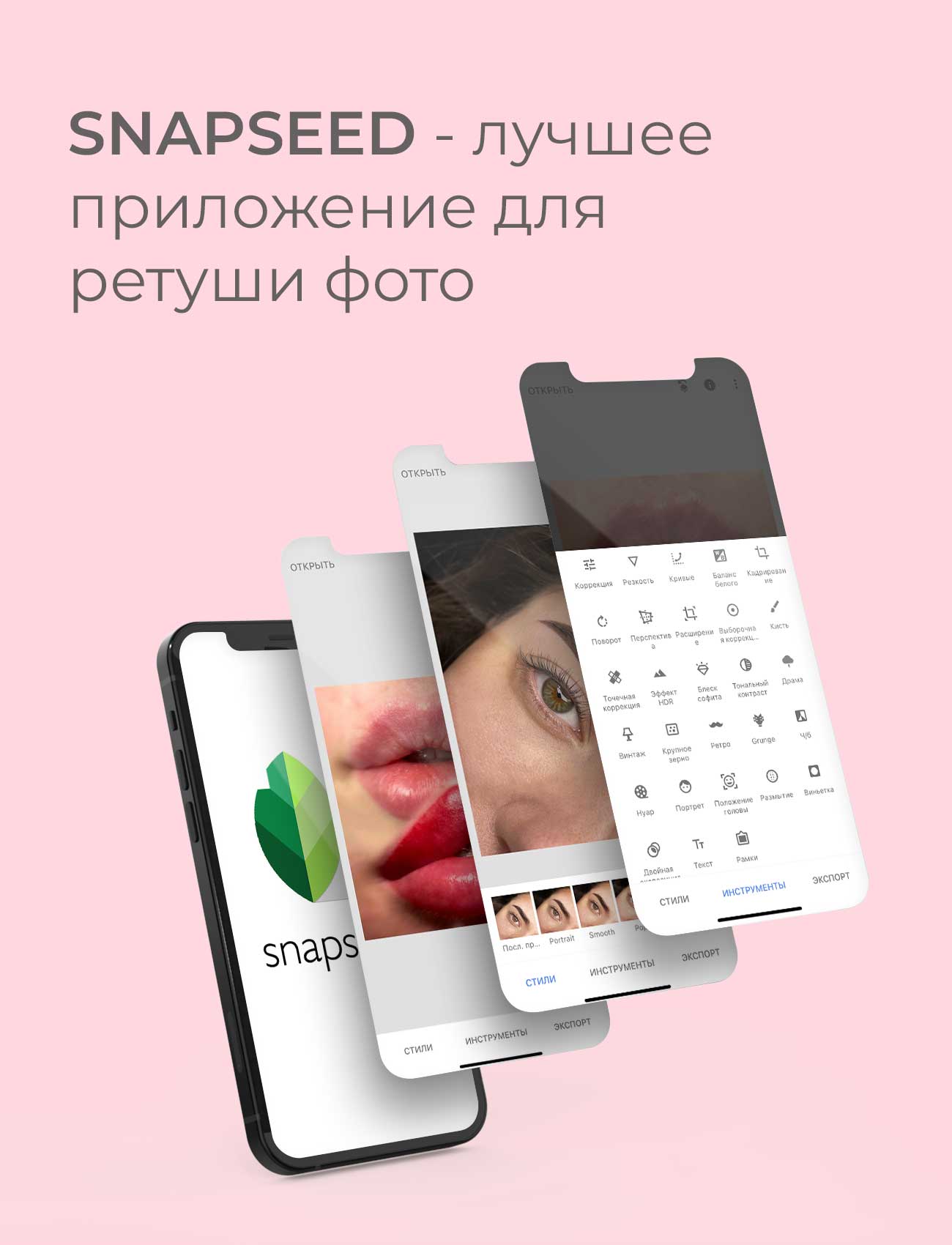
The best app I can recommend for photo retouching is Snapseed.
This app allows you to perform high-quality retouching and color correction, adjust sharpness, straighten photos, crop them, and even smooth out imperfections using the healing tool.
Useful Apps Selection for Instagram Design
Finally, I’ll leave you with a quick list of apps for various tasks.
Apps for background removal:
- Makaron
- MagicEraser
- Remove.bg — a website that performs the same functions as these apps.
Apps for background blurring:
- InShot (video)
- VSCO (photo and video)
- CapCut (video)
- PicsArt (photo)
This is just a small portion of the apps that can be useful for your social media design. You can find more tips on my Telegram channel.
That’s all for now! This was Instakisa, bye-bye!